The silence between purchase and gate
Someone buys a ticket. Enthusiastic, in the moment. And then? Then it often stays quiet for weeks until the night of your event. It's in that silence that you lose visitors — not because they didn't want to come, but because the commitment slowly slips away among everything else going on.
That's not a small thing. In an analysis of more than a thousand events, reported by trade title Skift Meetings, the median no-show rate sat at around 20 percent: 28 percent for free events against 17 percent for paid ones. A ticket that cost money creates obligation; a free registration feels non-committal. But even for paid tickets, the quieter the contact, the bigger the chance someone forgets or drops out.
The good news is that you can do a lot about this yourself. Not with expensive tooling, but with a handful of well-timed messages. In this article we lay out when to communicate, what to send, and — just as important — what you may and may not email under the rules.
Service mail or advertising? The difference first
Before you start emailing: not every email falls under the same rules. The Dutch anti-spam rules, enforced by the Authority for Consumers & Markets (ACM), are about advertising. A newsletter falls under that, or an email about your next festival. For those, you generally need prior consent — the same principle applies across the EU under the e-Privacy rules and the GDPR.
But messages about the ticket someone just bought are something else. A confirmation, practical info about the night, a change to the programme — that's service mail. It's part of the agreement you have with the buyer and simply belongs to good service. For these messages you don't need separate consent: you're informing someone about a purchase they made themselves.
The grey area sits in between. Want to reach this year's visitors next season for the new edition? That's allowed under the so-called existing-customer exception: you may email them unprompted about a similar event, provided you are clearly the sender and they can always unsubscribe easily. That's a different category from service info, so add an unsubscribe link and keep it tidy.
In short: practical info about the purchased ticket is always fine. Promoting something new requires consent or falls under the customer exception, with an opt-out.
For international readers: the Netherlands enforces these rules through the ACM, but the underlying framework is European (e-Privacy Directive and GDPR). The split between transactional service mail and consent-based marketing exists in most EU countries — only the enforcing authority differs.
Five moments to make yourself heard
You don't have to flood your visitors. Four to five messages across the whole run is plenty. It's about the timing.
1. The confirmation, right after purchase
This is the most important message and the only one that goes out automatically anyway. The buyer wants it in black and white immediately that the order went through, with the ticket attached. Make this message clear, name the event, the date and the tickets, and explain how to find everything again later. How that downloading works is covered in downloading your tickets after purchase.
2. The practical info, a few days before
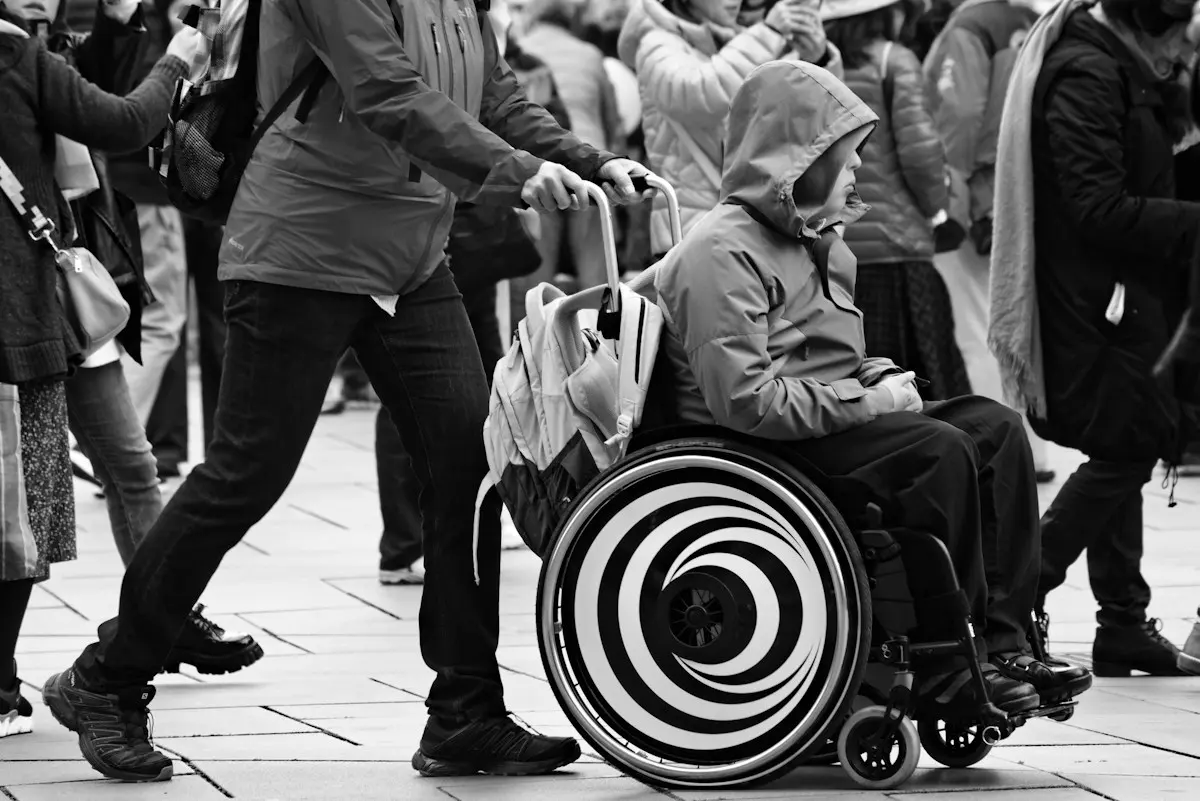
This is the message that prevents the most no-shows and the one most organisers skip. A week or a few days before the date, send everything someone needs to get in smoothly: start time, address and route, parking or public transport, whether there's a dress code, and how entry works. Add what's relevant for people with a disability — accessible entrance, facilities — because that belongs to an event that welcomes everyone.
3. The reminder, the day before or the morning of
Short and concrete: "Tomorrow night, doors at 7.30pm, here's your ticket." One line, the ticket at hand. This is the nudge that gets someone who'd nearly forgotten to come after all.
4. On changes, the moment you know
Is the start time, the line-up or the location changing? Or do you have to reschedule? Don't wait. Visitors forgive a lot if you inform them in time and honestly.
5. After the event, a short thank-you
A brief thank-you email the day after the event does more than you'd think. It's the natural moment to ask — politely, with an opt-out — whether people want to stay informed about the next edition. That's how you build an audience that comes back faster next year.
What goes into a good pre-event email?
That one email a few days before deserves some attention. A handy checklist:
- When — date, doors open, recommended arrival time
- Where — address, a map link, and the honest story about parking and transport
- Entry — how the ticket is scanned, and the tip to have the QR ready
- Accessibility — accessible entrance, facilities, contact for questions
- House rules — what is and isn't allowed inside
- One point of contact — where people can turn if something comes up
Write it the way you'd tell a friend: short, concrete, no noise. The better people know what to expect, the fewer questions you get at the gate — and the smoother your check-in runs.
And the spots that free up anyway?
No-shows aren't only a loss. Someone who drops out makes room for someone on the waitlist. For a sold-out event it's a waste to leave that spot empty. With a waitlist you handle that neatly: as soon as room opens up, people who signed up are notified automatically. That turns a cancellation into a new visitor instead of an empty seat.
Communicating is part of organising
Selling tickets is step one. Keeping the connection warm until the gate is step two — and it's often skipped. It doesn't have to be complicated: a clear confirmation, a practical email beforehand, a short reminder, honesty about changes and a thank-you afterwards. Five moments, no more.
At MijnEvent your visitors get their confirmation and tickets neatly in their inbox automatically, and your dashboard keeps an overview of who's coming. Want to get started? Register your organisation or take a calm look at the pricing first — no strings attached.