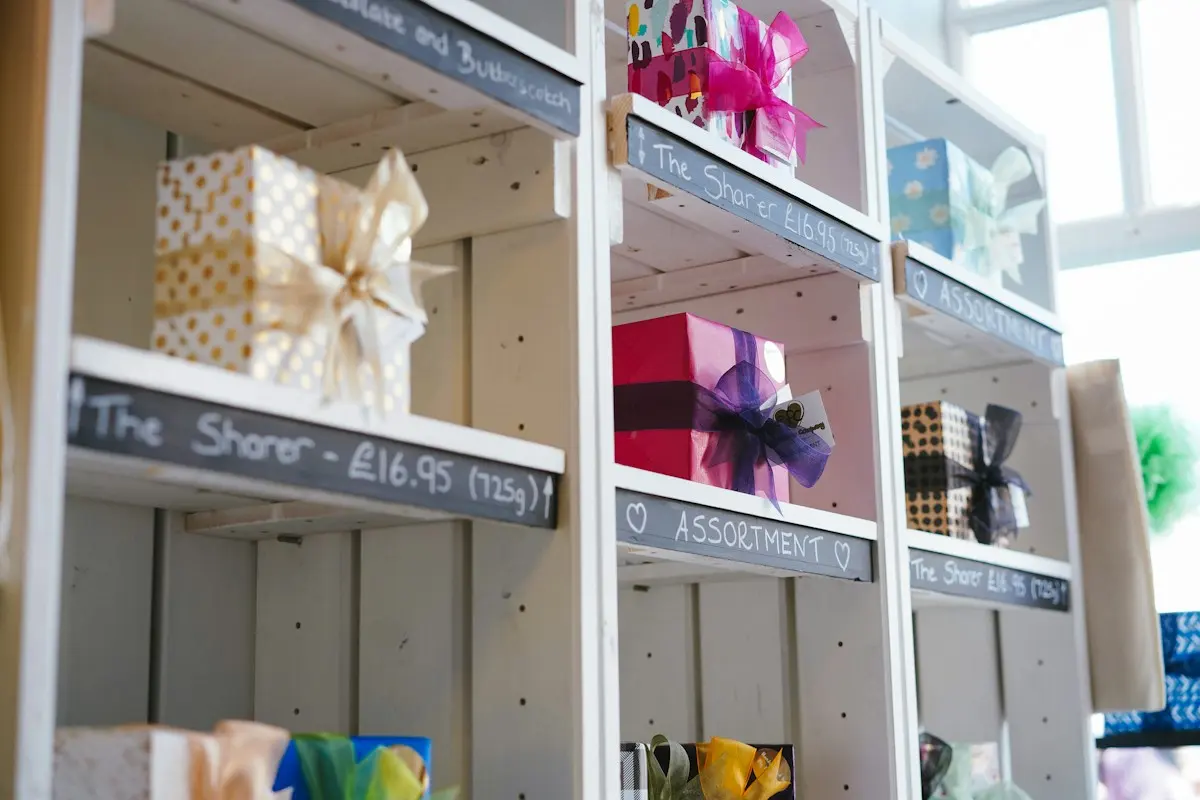
Many municipalities, retailers' associations and Business Improvement Districts want the same thing: to keep spending inside their own town centre. A local gift voucher is a proven way to do it — but execution often gets stuck on paper vouchers, manual admin and shops waiting months for their money. The Gift cards & city cards module turns it into a digital, watertight system.
One issuer, many places to spend
The model is simple: one issuing party — the retailers' association, the municipality or the BID — issues a single local voucher under the name of its own town centre. That voucher is then spendable at every participating shop: the bookshop, the restaurant, the bike repair place. The buyer doesn't have to choose upfront where it gets spent; the recipient decides that. That is exactly what makes a city voucher such a popular gift and such an effective instrument for the local economy.
Buying online with iDEAL | Wero
Sales run entirely online. On the public order page the buyer picks an amount and pays with iDEAL | Wero. Right after, the voucher lands by email, complete with a unique code and a QR code. Print it for an envelope or forward it digitally — both work fine. No printing, no stock management, no staffed physical point of sale.
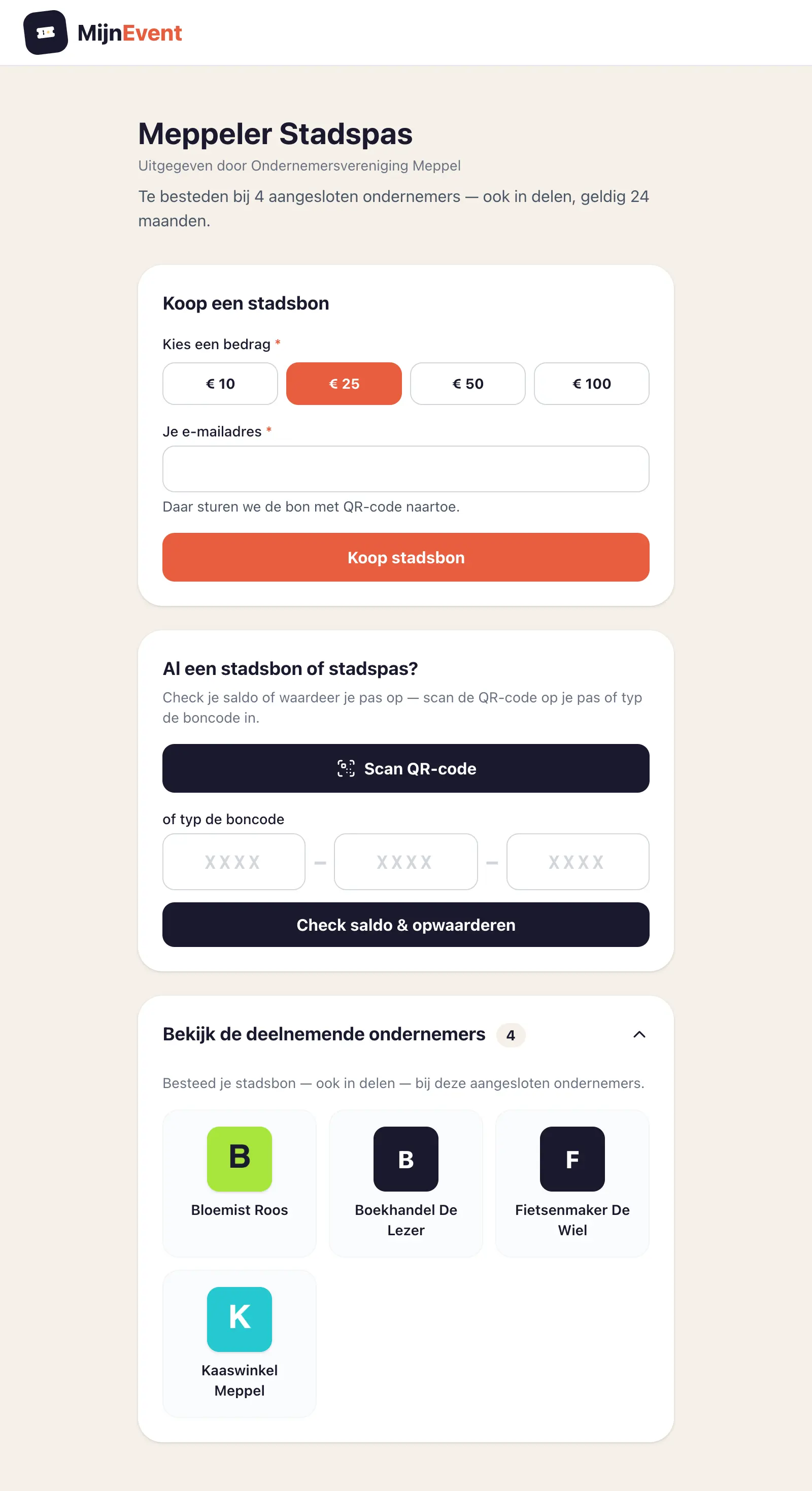 The city voucher order page: pick an amount, pay with iDEAL | Wero, voucher straight to the inbox.
Spendable in parts, balance always checkable
A €50 voucher doesn't have to be spent at once. The city voucher is spendable in parts: spend €32.50 at the restaurant and €17.50 stays for the florist. The remaining balance simply stays on the voucher — and it's never a mystery, because anyone can check it publicly by entering the code on the balance page.
Every shop gets its own login and scanning app
Participating shops don't need a MijnEvent account. The issuing organisation simply invites a shop with a name and email address; the shop receives an invitation link, sets its own PIN and then logs into the shop app with email and PIN — just like a ticket inspector at the gate.
At the till it's three steps: scan the voucher's QR code (or type the code), see the available balance, and redeem an amount. Works on any phone or tablet, no installation.
The system guards two things that structurally go wrong with paper vouchers. First: double redemption is technically impossible — every redemption is deducted from the balance immediately and definitively. Second, it's forgiving with sloppy input: lower-case letters, a missing dash in the code — it's corrected automatically.
The holder stays informed
The moment a shop redeems an amount, the holder is automatically emailed: how much was redeemed, at which shop, and the remaining balance. So the recipient effortlessly keeps track of both their balance and where the voucher was spent — no surprises, no guesswork.
The money stays local
The best part of a city voucher is under the hood: every voucher sold is spending that's guaranteed to land in the town itself. The gift budget that would otherwise have gone to a national web shop or a big chain now reaches the shops around the corner. For municipalities it's also a practical way to give residents something — a token for volunteers or informal carers, say — whose value flows straight back into the local economy.
Paying out the shops
The money your residents spend sits in your own account; MijnEvent is not in between. Paying out is therefore something you do — but not by hand.
Every shop enters its payment details once in the shop app: IBAN, account name and company details. Account name and trading name are asked separately, because a sole trader's account is often in the owner's name while the chamber of commerce lists the trading name — exactly the difference banks warn about. Once confirmed those details are locked: only you can release them again, with a stated reason, and the shop is automatically notified. That is the brake on the classic payment diversion.
Paying out itself runs in rounds, under Dashboard → City card → Payouts:
- You select which shops are included. Shops without payment details are shown separately with their amount, so they don't drop out of your selection unnoticed.
- MijnEvent books a payout per shop — with the same lock that makes paying twice impossible.
- You download the SEPA payment file (
pain.001) and import it at your own bank. A CSV is there too, for anyone who prefers to work by hand. - You move the status along yourself: submitted → reconciled. A file import gives no per-transaction feedback, so that button belongs to you.
For every round MijnEvent draws up a document on behalf of each shop, addressed to your organisation: a self-billed invoice or a payment statement, with its own numbering series and, where applicable, a UBL file. Which form that is, you set per programme — how a city voucher is treated for VAT is a question for your accountant, not for us. Each round also produces one summary sheet for your records, and every shop receives its document as an attachment to the payout email.
Something wrong with a single line? Set it to failed; its redemptions are released and reappear in the next round by themselves. Withdrawing a whole round is possible as long as the file has not reached the bank yet.
The file with IBANs is not kept — only its checksum. A folder full of payment files is a data breach waiting to happen.
Getting started
The Gift cards & city cards module is available on request via MijnEvent. Active at a municipality, BID or retailers' association and want to launch your own local voucher? Check the module page, read what is involved in issuing your own city pass after the Groupcard bankruptcy, or get in touch — we'll help think through the setup for your town centre.