
Blog
Practical knowledge for organisers — from pricing to resale and everything in between.
Photos and video at your event: what portrait rights and the GDPR require
An aftermovie, shots for next year's promo, visitors filming with their phones — two laws apply. Here's how to handle it properly.
Selling tickets and raising extra money for your charity: here's how
Organising a benefit, charity run or fundraiser? Sell tickets, hand out free entry fee-free and switch on the donation field: MijnEvent charges no fee on donations, and revenue lands directly in your own account.
Your ticket in Apple Wallet or Google Wallet: always at hand
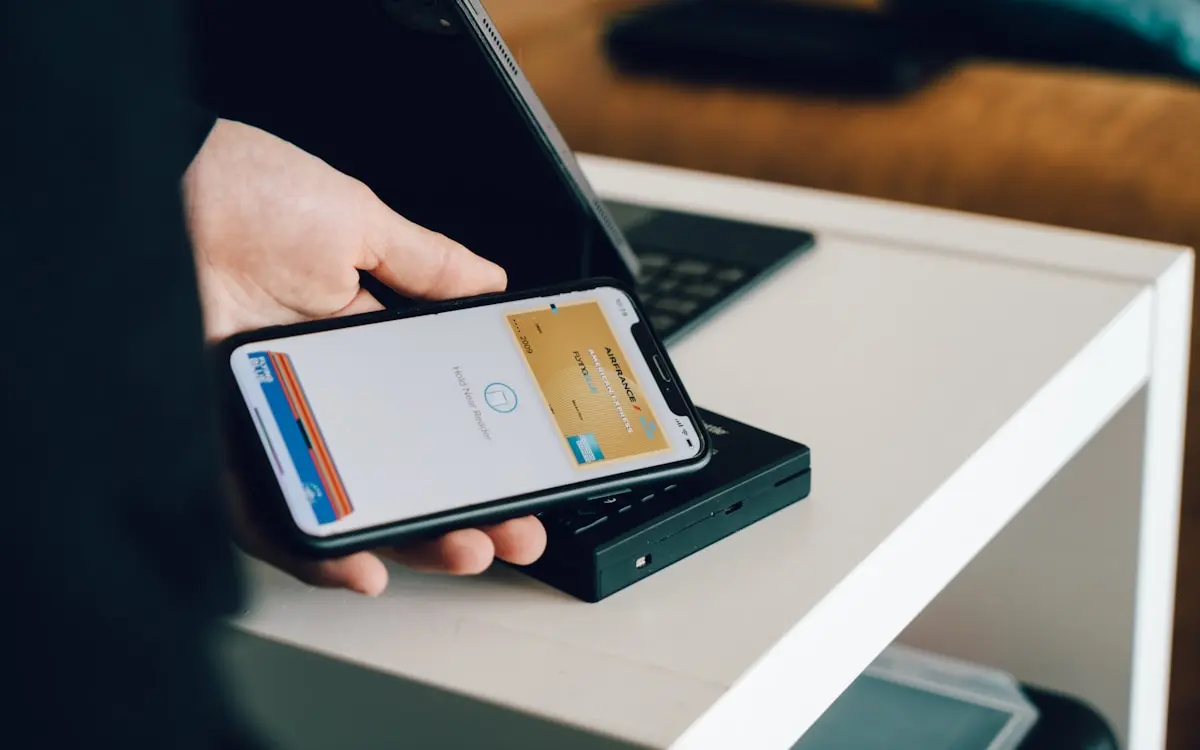
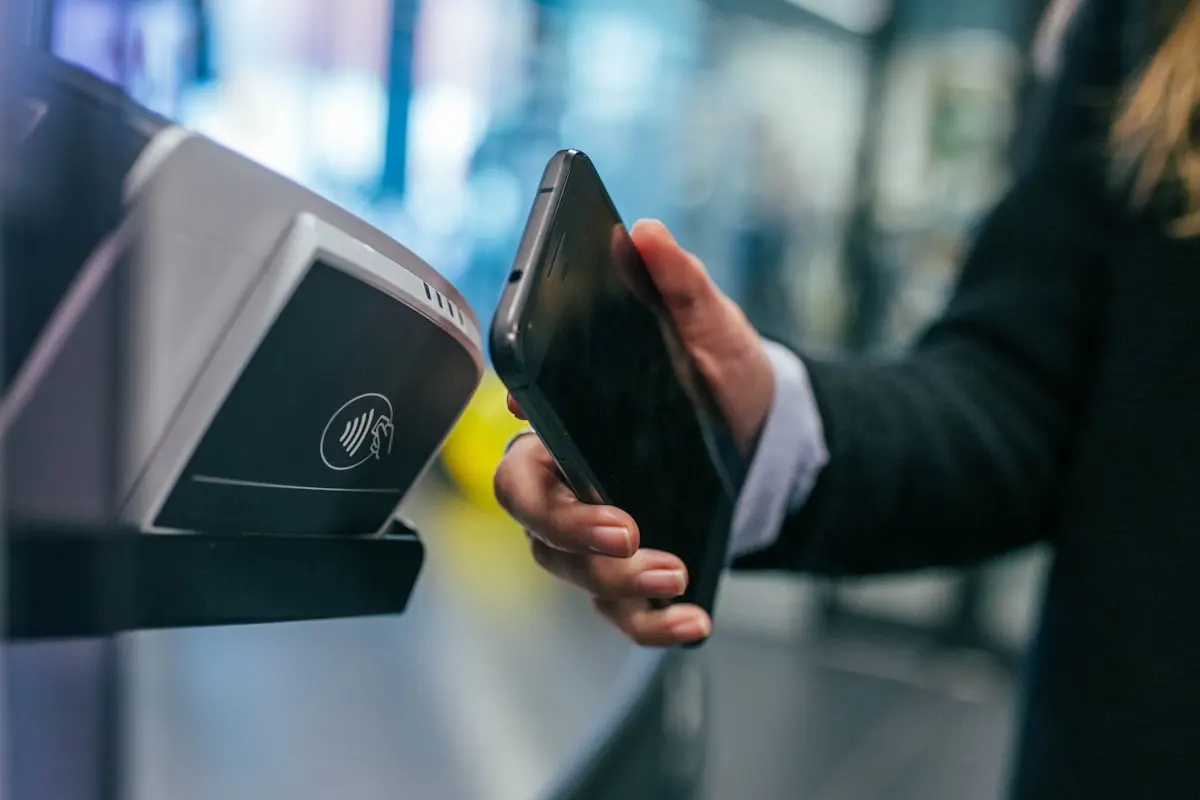
Lost paper ticket, or digging through your inbox at the entrance? No longer necessary: visitors add their MijnEvent ticket to Apple Wallet or Google Wallet with a single tap. The QR code lives inside the pass — even offline — and check-in gets noticeably faster.
Why MijnEvent doesn't place tracking pixels (and how to measure conversions anyway)
A Meta pixel, Google Tag Manager or TikTok tag on your event page? We deliberately don't do that. Here's how to measure your campaigns anyway — on your own website, where it belongs.
What does your ticket platform do with all that visitor data? Here: as little as possible
Date of birth, full address — many ticket platforms ask for more than a ticket needs. We ask for a name and an email address, and beyond that we do nothing with your visitors' data.
How visitors create their own VAT invoice
Business visitors now sort out their own VAT invoice via 'My orders' — without you as the organiser having to lift a finger.
Festivals are selling out later this year: how to adapt your ticket sales
Dutch festivals aren't selling out this summer and visitors keep waiting longer to buy. Here's what that shift means for your event, and how to keep a grip on your sales anyway.
Point of sale in the check-in app: sell tickets at the door
Visitors at the entrance without a ticket? With the point of sale in the iPhone and iPad app you sell tickets on the spot: pick the quantities, take payment in cash or on your own card terminal, and the buyer walks straight in. The sale counts towards your revenue like any other order.
Sell gift cards for your event: extra revenue that arrives up front
Let visitors give credit as a present: pick an amount, write a personal message and we turn it into a beautiful gift card PDF in your brand style. Redeeming happens right at checkout — any remaining balance stays available.
Capacity groups: share one capacity across multiple ticket types
Let multiple ticket types draw from one shared maximum — say, 500 places across adult, child and combo tickets. You'll never sell more than your venue holds, whatever the mix turns out to be.
Peak sales without the stress: how the virtual waiting room works
Hundreds of visitors hitting your ticket shop the second sales open? The virtual waiting room puts everyone in a digital queue: a fair draw, a live position and checkout in small batches — no chaos, no advantage for the fastest clickers.
Serving alcohol at your event: how the Dutch Article 35 exemption works

Pouring a beer or a glass of wine at your festival, parade or club party in the Netherlands? You usually need an exemption. Here is how Article 35 of the Alcoholwet works.

Connect ticketing to your existing website (with code examples)
Add MijnEvent as drop-in ticketing on your own site: one script line for the widget, and a signed member token that gives members their member price or a free ticket automatically. Includes a PHP example for developers.
Fewer no-shows: staying in touch with your visitors until the gate
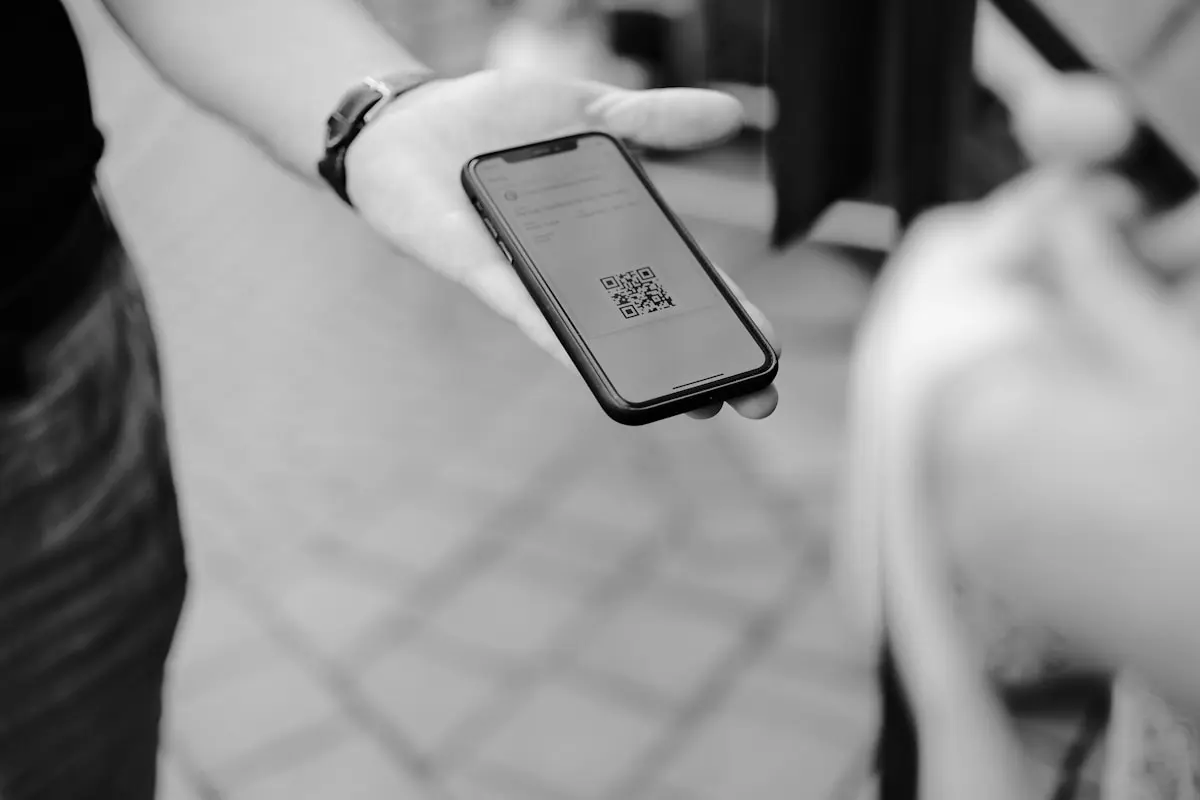
Someone buys a ticket, and then it goes quiet until the night itself. That silence is exactly where you lose visitors. Here's how to communicate between purchase and gate — without breaking the rules.
Members free, non-members pay: connect ticketing to your club website
Let members get their member price or a free ticket automatically through your own website, while non-members pay the regular rate — with member prices, members-only ticket types, API keys and a signed member token that stays in sync.

Whose account holds your ticket money? The payout model organisers underestimate
With many ticket platforms your revenue lands on their account first. That's actually odd — it's your money, but you have no control over it. Here's how it works at MijnEvent, and why Mollie lets you reach your own money fairly and fast.
Music licensing at your event: how Buma/Stemra and Sena work
Playing music at your festival, parade, sports day or theatre show? You almost always owe music royalties. Here's a clear breakdown of who collects what and how to settle it in one go.
Ticket fraud peaks in festival season: how to protect your audience
As festival season kicks off, fake sellers work overtime. What ticket fraud has to do with your event — and what you as an organiser can do to keep your audience out of harm's way.
Why your small event deserves tickets — even when entry is free
A ticket is more than proof of entry: it is a commitment. Why 'getting hold of' a ticket means fewer no-shows, more buzz, and an organiser who knows exactly who is inside.
Free events with ticketing: benefits, free entry and kids' tickets
A free event benefits from tickets too: for capacity, check-in and a tidy guest list. Free tickets at MijnEvent are completely free of charge — no price, no fee.
Inviting inspectors and setting a PIN
Invite your inspectors to an event and let them log in quickly to the scanning app with their own PIN. Ready for the door in just a few minutes.
Which MijnEvent plan fits your event? An honest decision guide
Pay as you go, Recurring or Custom? Pick the right plan based on your ticket volumes and how often you run events.
Enabling resale as an organiser
Let visitors safely resell tickets they end up not using. Here's how to switch on resale and set a maximum price.
Payouts and invoices as an organiser
How do you receive the money from your ticket sales, and what about the costs of MijnEvent? We explain it clearly.
Why MijnEvent masks buyer e-mail addresses in the dashboard
Privacy by design: buyer e-mail addresses aren't on full display in the dashboard, but they're still findable when you need them.
Setting up service fees per ticket type
Add your own service fees per ticket type with a label of your choice, shown transparently at the checkout and paid directly to you.
Setting up magic login and two-factor authentication
Logging in without a password, plus extra security with 2FA. Here's how MijnEvent's magic login works and how you switch on two-factor authentication.
MijnEvent and WCAG AA accessibility
Everyone should be able to buy a ticket independently. That's why accessibility is a core value at MijnEvent, not an afterthought.
Creating and publishing your first event
From concept to live: here's how to create your first event in the admin panel, add ticket types and put it online.
Creating discount codes for your event
Create discount codes with a fixed amount or percentage, set a usage limit and validity period, and let buyers enter the code at the checkout.
Setting up ticket types and capacity
Create multiple ticket types per event, each with its own price and capacity, and stay in control of your sales right down to the last ticket.
How to connect Mollie to your event in 5 minutes
Connect your Mollie account to MijnEvent step by step and start selling tickets straight away.
Registering your organisation with MijnEvent
Here's how to register your organisation with MijnEvent in just a few minutes: from organisation name to your own subdomain and your first event.
The European Accessibility Act: your ticket shop must be accessible
Since 2025, digital accessibility has been a legal requirement for many online services. What does that mean for your ticket sales?
Downloading your tickets after purchase
Your tickets arrive automatically by email and are also stored in your account. Here's how to find your QR codes again so you're never left standing at a closed door.
Viewing statistics and exporting data as CSV
Track your revenue, tickets sold and check-ins in real time in the admin panel, and export orders and visitors as CSV for your records.
Check-in and QR scanning for inspectors
With the mobile check-in app you scan tickets in no time. Green means welcome, red means stop. That's how you keep the queue at the door moving.
Which payment methods does MijnEvent support?
From iDEAL | Wero to credit card: discover which payment methods your visitors can use and how you manage them yourself through your Mollie profile.
Reselling tickets safely — how it works at MijnEvent
How MijnEvent's resale feature protects both buyer and seller against fraud.
Sell tickets without high fees — how MijnEvent does it differently
How organisers keep more revenue per ticket sold by choosing a fairer pricing structure.
Setting up your own subdomain and branding
Give your event page its own look: set your subdomain, colours, fonts and logo, and see the result instantly in a live preview.
Enabling a waitlist for sold-out tickets
Sold out doesn't have to be the end of the line. With a waitlist per ticket type you let interested people sign up and notify them as soon as something becomes available.