Short answer: promoting an event doesn't start with advertising, it starts with the channels you already own — your mailing list, the visitors from your previous edition, and the networks of the artists, speakers and partners on your bill. The order that works best in practice: announce the event to your existing audience first with an early-bird offer (that gives you immediate sales and social proof), then activate the people on the poster — artists and speakers sharing their own slot reach exactly the right audience — and only then buy reach to fill the gaps. A sales page without distractions does the rest: visitors who have to hunt for the buy button drop out. Below are twelve channels, ranked from little effort and big effect to the ones that cost real time or money, with what each one gets you.
First: get the basics right
Before you post a single message, make sure your sales page holds up. One clear page with the date, venue, programme and a direct buy button — your own subdomain on MijnEvent, for instance — converts better than a trail of redirects. Every promo link should point straight at that page.
If your website is where your audience already lands, run it the other way around: embed the ticket shop on your own site so the buyer never leaves your domain. That has a second benefit we come back to at the end — it's the only place where you can measure your ad campaigns properly.
The twelve channels
- Your mailing list — still the highest-converting channel there is. Visitors from previous editions are your warmest audience. Watch the GDPR: for marketing e-mail you need consent on top of the contract you have with a ticket buyer. If you keep your list in Mailchimp, Brevo, MailerLite, Laposta, ActiveCampaign or Kit, you can collect opt-ins straight at checkout — that integration is free and there is no fee on it.
- Early birds — a lower price during the first week of sales rewards fast decision-makers and gives you cash flow plus proof the event is alive. You don't need to sit at your keyboard at midnight for this: price periods run automatically, so the price flips over on its own at the moment you set. See early-bird tickets for how the windows work.
- The line-up itself — artists, speakers and participants who share their own slot. Make it easy for them with ready-made images and one short link.
- WhatsApp and group chats — for clubs, associations and local events this is often the channel. One message with the link does more than a week of posting.
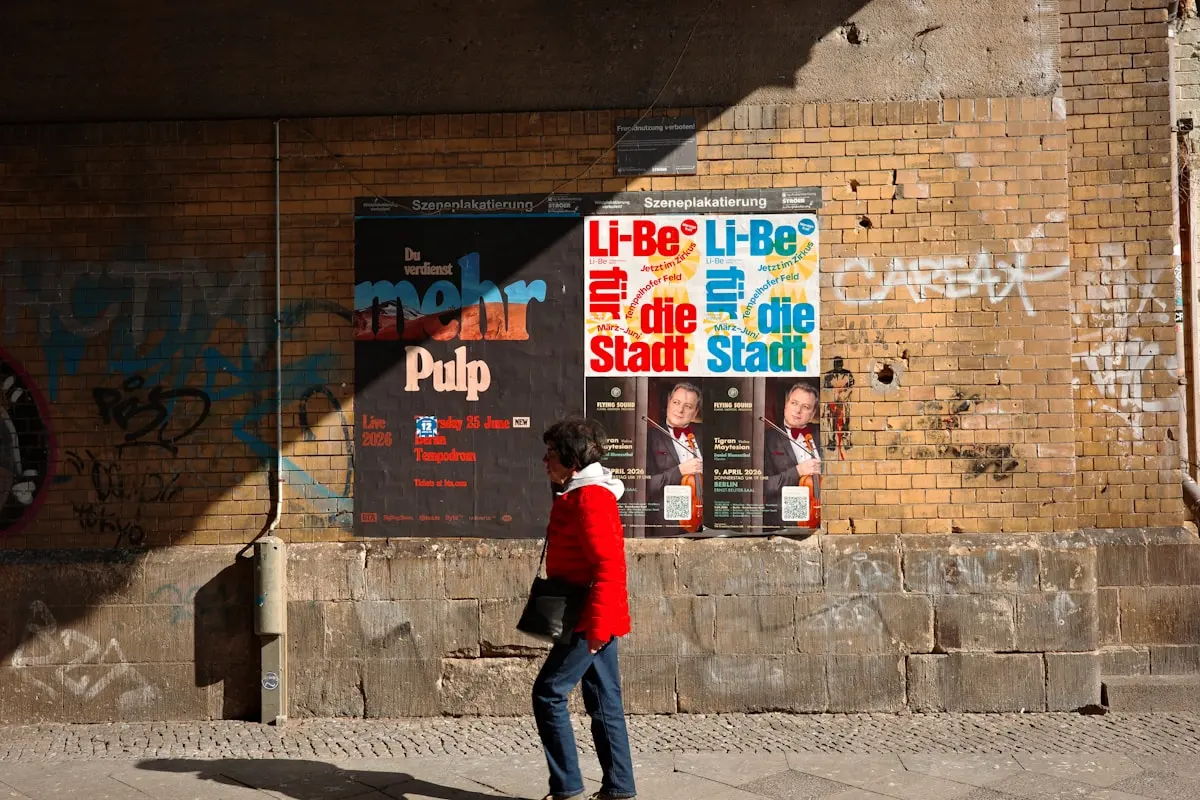
- The QR poster — put it in the right physical place (sports canteen, library, supermarket) and you reach an audience you miss online. Any QR generator will do; what matters is that the code points at your event page and not at a homepage the reader then has to search.
- Local press and free local papers — they are looking for copy. A short press release with a decent photo gets printed surprisingly often.
- Municipal event calendars and what's-on agendas — free listings that also help your visibility in Google.
- Partnerships and sponsors — let sponsors share the event with their own audience, and give them visibility in return. You can put their logo on the ticket PDF (up to four sponsors per ticket) or hand them tickets from the guest list — free tickets carry no platform fee, so that costs you nothing extra.
- Organic social media — works best around moments: line-up reveal, "almost sold out", behind the scenes. Consistency beats frequency.
- Paid social ads — only once the organic base is in place. Target your own region and viewers of comparable events; start small and double down on what works. Read the last section before you spend anything.
- Waiting list and scarcity — a sold-out ticket type with a waiting list is promotion in itself. "Early bird sold out" sells the regular tariff. When seats free up, the first people in the queue get an e-mail automatically, in the order they signed up.
- The follow-up — a thank-you mail announcing the next edition turns visitors into returning visitors. You can mail your attendees straight from the dashboard — free around your own event — and asking what they thought of it gives you both material for next year's promotion and a reason to be in their inbox. This is where the promotion of your next event begins.
A word on discount codes
Discount codes are not a thirteenth channel, they are a measuring instrument. Give each partner, each ambassador and each campaign its own code with a maximum number of uses, and afterwards you can see exactly which partner delivered. The discount you give away is the price of that insight — and it does not lower the platform fee, so factor it into your margin rather than into your fee calculation.
Measuring what works — without tracking pixels
Here is where most advice stops with "put your Meta pixel on the ticket page". We don't do that. MijnEvent's event pages and checkout carry no tracking pixels at all — no Meta, no Google Tag Manager, no Google Ads, no TikTok. That is a deliberate choice, and we explain the reasoning in full elsewhere. It does mean measuring works slightly differently than you may be used to, so here are the three things you do get.
Cookie-free visitor statistics. Under Visitors in your dashboard you see page views and unique visitors of your event pages, per day and per event, over the last 7, 30 or 90 days. Enough to tell whether the newsletter caused a spike and whether the Instagram announcement did its job.
Sales figures per event and per ticket type. The statistics screen and CSV export give you revenue and tickets sold per day, per event and per ticket type. Line that up with the dates of your promotional actions and the pattern is usually obvious within a couple of campaigns.
Conversion measurement on your own domain. If you really want to attribute ad spend, run the ads to your own website with the embed widget — that is your domain, your cookie banner, your tags — and set a custom thank-you URL per event so you can fire your own conversion event after payment. The redirect deliberately carries no order or personal data along: you count a conversion, not a person.
Pick three, drop the rest
Twelve channels is a menu, not a to-do list. Track the sales spike after every action and you will see within two editions which three channels genuinely do the work for your audience — and you can let the other nine go with a clear conscience. For most organisers it comes down to the mailing list, the line-up and one physical or local channel; the rest is decoration.
Ready to start selling? Check the rates or create your organisation and your sales page can be live today.


