# Newsletter integration: let visitors subscribe at checkout — MijnEvent

  [Home](https://mijnevent.nl/en) / [Blog for event organizers](https://mijnevent.nl/en/blog) / Newsletter integration: let visitors subscribe at checkout   newsletter integrations organizers consent integration 

# Newsletter integration: let visitors subscribe at checkout

Connect your newsletter service to MijnEvent and let visitors subscribe with one GDPR-proof checkbox during checkout.

 [Jasper Koers](https://mijnevent.nl/en/author/jasper-koers) · 26 June 2026 · 4 min read 

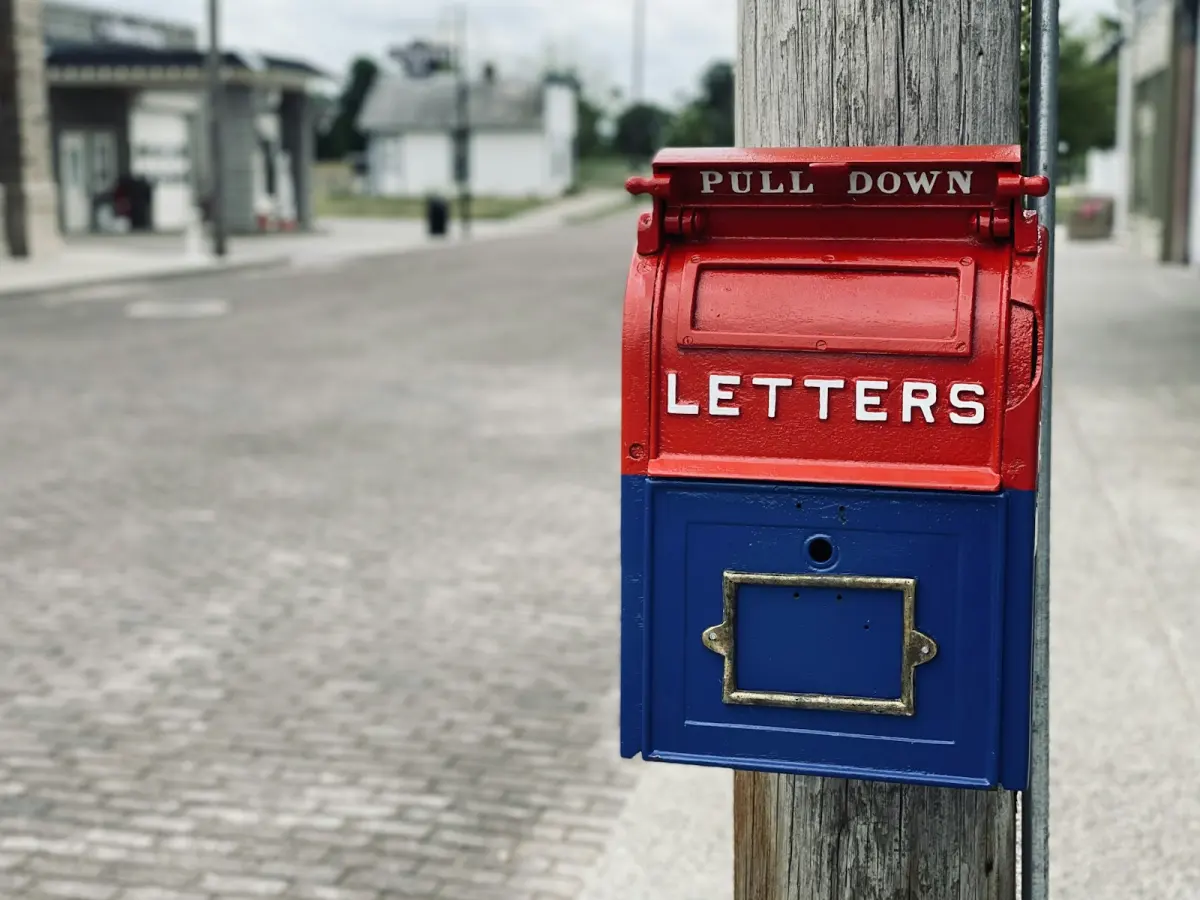
  ![](https://regify-mijnevent.s3.eu-central-1.amazonaws.com/blog/covers/connect-your-newsletter-at-checkout.webp)  Photo: [Brett Garwood](https://unsplash.com/@brettgarwood?utm_source=MijnEvent&utm_medium=referral) / [Unsplash](https://unsplash.com/?utm_source=MijnEvent&utm_medium=referral)    In short

- At checkout a checkbox appears — 'Sign me up for the newsletter of \[your organisation\]' — off by default, so it's GDPR-proof.
- You connect your own service: Mailchimp, Brevo, MailerLite, Laposta, ActiveCampaign, Kit or a generic webhook.
- Sign-ups are sent only after a successful payment and run in the background — your checkout stays fast.
- If something goes wrong with your connection, you automatically get an email with the exact error from your service.

  Every visitor who buys a ticket is a warm contact: someone who knows your event and probably wants to come back. With MijnEvent's **newsletter integration** you let that visitor subscribe to your newsletter with a single checkbox during checkout — straight into the service you already use. The checkbox is **off by default** (a deliberate GDPR choice), and only on an explicit opt-in does the email address go to your newsletter service, after a successful payment. You don't have to build anything: you paste your API key, pick your list and switch the connection on. Here's how it works, step by step.

# Why a newsletter integration?

Your mailing list is the only audience you truly own. Social reach comes and goes, but a visitor who subscribes to your newsletter is someone you reach directly at your next event. The moment of the ticket purchase is ideal for this: interest is at its highest and the visitor is entering their email address anyway.

The manual alternative — exporting a list of email addresses afterwards and importing it somewhere — is messy and risky under GDPR: you then have no explicit consent to email those people. The integration solves this cleanly: only those who tick the box themselves end up on your list, with a recorded proof of consent.

# How it works — in three steps

1. **Connect your service.** In **Beheer → Integrations** you pick your newsletter service, paste your API key and select the list new sign-ups should land in. One click on **Test connection** confirms everything is correct.
2. **The checkbox appears automatically.** Once the connection is active, every visitor sees the checkbox *"Sign me up for the newsletter of \[your organisation\]"* at checkout. Unchecked by default — the visitor chooses deliberately.
3. **Sign-ups flow in automatically.** After a successful payment, MijnEvent sends the sign-up to your service in the background. The visitor appears on your list shortly after; you don't have to export or import anything.

# Which services can you connect?

MijnEvent supports the six most popular newsletter services with a **direct integration**:

- **Laposta** — the Dutch standard, with NL hosting and a strong GDPR base.
- **Mailchimp** — the best-known worldwide; many organisations already use it.
- **Brevo** (formerly Sendinblue) — EU-hosted, with email and SMS.
- **MailerLite** — affordable and popular with smaller organisations.
- **ActiveCampaign** — strong at automation.
- **Kit** (formerly ConvertKit) — aimed at creators and newsletter makers.

Using something else — Spotler, Copernica, Enormail or your own CRM? Then there's the **generic webhook**: MijnEvent sends every sign-up as a signed message to a URL you set, so you can catch it in almost any system.

# GDPR: off by default, consent recorded

Accessibility and privacy are no afterthought at MijnEvent, and the newsletter integration follows the same line:

- The checkbox is **off by default**. No one ends up on your list unasked.
- Data only leaves **after a successful payment** — not on an abandoned order.
- We send only what's needed: the email address and, if you want, the name.
- Where your service supports **double opt-in**, we use it: the visitor confirms their sign-up once more by email.
- For every opt-in we record when and from which IP address the consent was given.

# What happens if something goes wrong?

External services can hiccup: an expired API key, a list that no longer exists, or a temporary outage. The integration is built for that. A sign-up that doesn't succeed right away is automatically retried a few times. If it still fails, you as the organisation owner get a **clear email** with the provider, the error from your service and the email address involved — in plain language, without technical noise. So you know exactly what to do: usually just check your API key or list ID in Beheer → Integrations.

# How to switch it on

The integration is **free and included** — there is no fee. Switching it on takes a few minutes:

1. In **Beheer → Modules**, switch on the *Newsletter integration* module.
2. Go to **Beheer → Integrations** and pick your service.
3. Paste your API key, click **Fetch lists** and select your list.
4. Click **Test connection**, set the connection to *active* and save.

From then on your mailing list grows with every ticket sale — no double work and no GDPR headache. Want to know more? See the [newsletter integration module page](/en/modules/newsletter-integration), or read how [staying in touch with visitors reduces no-shows](/en/blog/fewer-no-shows-staying-in-touch-with-visitors).

   Frequently asked questions

## Frequently asked questions

## Which newsletter services can I connect?

 Mailchimp, Brevo, MailerLite, Laposta, ActiveCampaign and Kit with a direct integration. Using another service — for example Spotler, Copernica or Enormail — or your own system? Then you can use the generic webhook.

## Is the newsletter integration GDPR-proof?

 Yes. The opt-in checkbox is off by default and only on an explicit consent is the email address forwarded — after the payment succeeded. Where our integration can drive double opt-in we use it, and for every opt-in we record when and from which IP address the consent was given.

## What does the newsletter integration cost?

 Nothing. The integration is free and included; there is no fee. You simply use your own (possibly free) newsletter service.

## What happens if my connection fails?

 The sign-up is automatically retried a few times. If it still fails, we send you an email with the exact error from your newsletter service — for example an invalid API key — so you can fix it quickly.

  [    Back to blog ](https://mijnevent.nl/en/blog) 

  MijnEvent

## Read more

 [ ![](https://regify-mijnevent.s3.eu-central-1.amazonaws.com/blog/covers/automatic-membership-renewal-dutch-law.webp) memberships 

 Jasper Koers · 27 July 2026 · 6 min read

## Automatic membership renewal: collecting fees within Dutch renewal law

Automatic renewal saves your club a pile of chasing work, but the law has rules about cancelling. Here is how renewal works in MijnEvent, and how to keep it clean.

 ](https://mijnevent.nl/en/blog/automatic-membership-renewal-dutch-law) [ ![](https://regify-mijnevent.s3.eu-central-1.amazonaws.com/blog/covers/ontruimingsverslag-evenement-bewijsstuk.webp) safety 

 MijnEvent · 27 July 2026 · 5 min read

## The evacuation record: why the day after your event matters for the next permit

An evacuation — real or drilled — is only finished once it is on paper. What belongs in an evacuation record, why the municipality asks for it, and how to make the record write itself instead of reconstructing it afterwards?

 ](https://mijnevent.nl/en/blog/evacuation-record-event-evidence) [ ![](https://regify-mijnevent.s3.eu-central-1.amazonaws.com/blog/covers/knmi-weeralerts-veiligheidsplan.webp) safety 

 MijnEvent · 27 July 2026 · 3 min read

## Weather monitoring in your safety plan: how KNMI warnings land in your alerts and logbook automatically

Almost every safety-plan format has a 'weather monitoring' section — and almost nobody fills it in concretely. The Safety &amp; Permit module pulls the KNMI warning code for your event location every hour and turns it into a demonstrable process.

 ](https://mijnevent.nl/en/blog/knmi-weather-alerts-event-safety-plan) 

   MijnEvent

## Ready to get started?

Create a free account and sell your first tickets today.

 [Start free](https://mijnevent.nl/registreer) [Pricing](https://mijnevent.nl/en/pricing)


