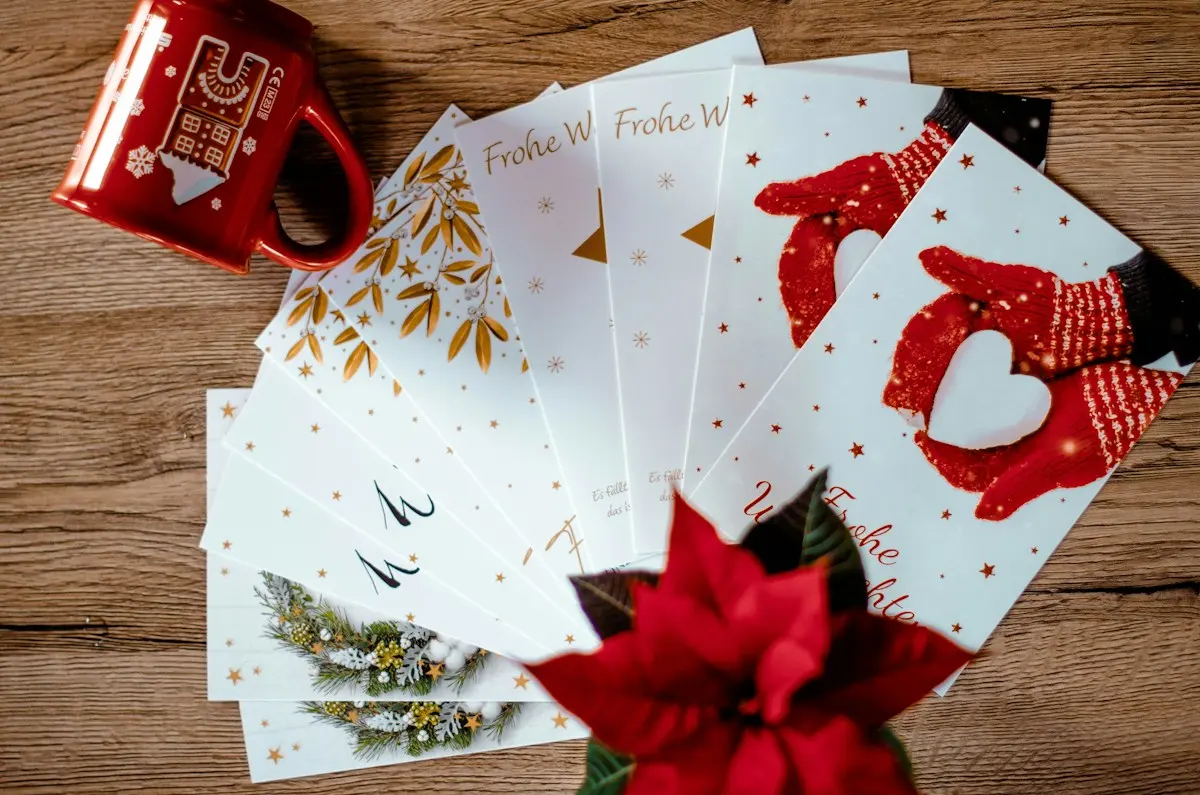
Not everyone wants a pass on their phone. A card in the wallet — handed over at a counter, bought at the bookshop or dropped through the letterbox — works just as well for many residents, and often better. From now on that card is a first-class product on MijnEvent: you have cards printed, issue them, take them in and reissue them. Without the previous holder ever being able to use them again.
Take in and reissue — no hassle, no risk
Until now a physical pass was as finite as its first holder: once issued, you could never safely hand it to someone else. That is over. When a card comes back — through a campaign, at a counter, or because someone returns it — you take it in through the dashboard and reissue it with one click.
The card then starts truly clean: everything the previous holder still had — the voucher email, the PDF attachment and any wallet pass on their phone — is invalidated automatically. The new holder gets a fresh card; the previous holder is left with nothing that works. One card lasts for years and multiple holders, without you ever worrying about who held it before.
In the dashboard: generate batches and export print-ready files
Your city card dashboard has a new Passes tab. There you generate a batch of pass IDs in one go — fifty, two hundred, five hundred — with its own label per print run. Generating is free; a voucher (and the usual €0.35 issuance fee) only comes into existence once credit lands on a card.
For the print shop you export the batch in whatever format they need: a PDF sheet with every QR at print size, an SVG sheet (vector, so sharp at any size), a PNG set for on-screen use or a CSV with all pass IDs. The most important part is the first page of that PDF sheet: the full print instructions, from the requirement that every card carries a unique QR (variable data printing) to error correction level, minimum size, quiet zone and finish. Those instructions automatically travel along to the printer — even if you only forward the file. They are also shown in the dashboard, with a copy button.
A blank card activates itself
A freshly printed card is blank: nothing on it yet. The recipient goes to your programme's top-up page (the URL is printed as a readable text line on the card), taps scan your pass and sees: "this card has not been activated yet". One form later — pick an amount, pay with iDEAL | Wero — and the credit is on the card. From that moment the card works like any city card: spending at the participating shops, topping up when it runs out, and optionally linked to an email address.
Cards with credit: order them pre-loaded
Want to hand out cards that are already loaded — a December campaign, a support scheme, a staff gift? Order them in the same screen with an amount per card. Up front you only pay the issuance fees of €0.50 per card to MijnEvent through iDEAL | Wero. The credit itself does not pass through MijnEvent: you fund it outside the platform, exactly as agreed with your own participants. Only after payment are the cards and vouchers created, and the invoice appears right away among your platform invoices in the dashboard.
Lost or stolen? Block — and freeze if needed
A card is plastic, and plastic gets lost. In the dashboard you block a card with one click; the credit then simply stays with the holder — who keeps access through the familiar routes. If there is more going on — a stolen pass — tick freeze the credit while blocking: the voucher can then no longer be spent anywhere until you release it.
Get started
Physical cards are part of the Local vouchers & city cards module. If you already issue a city voucher through MijnEvent, the Passes tab is ready in your dashboard. No city card of your own yet? Have a look at the module page or get in touch — we will set it up together.