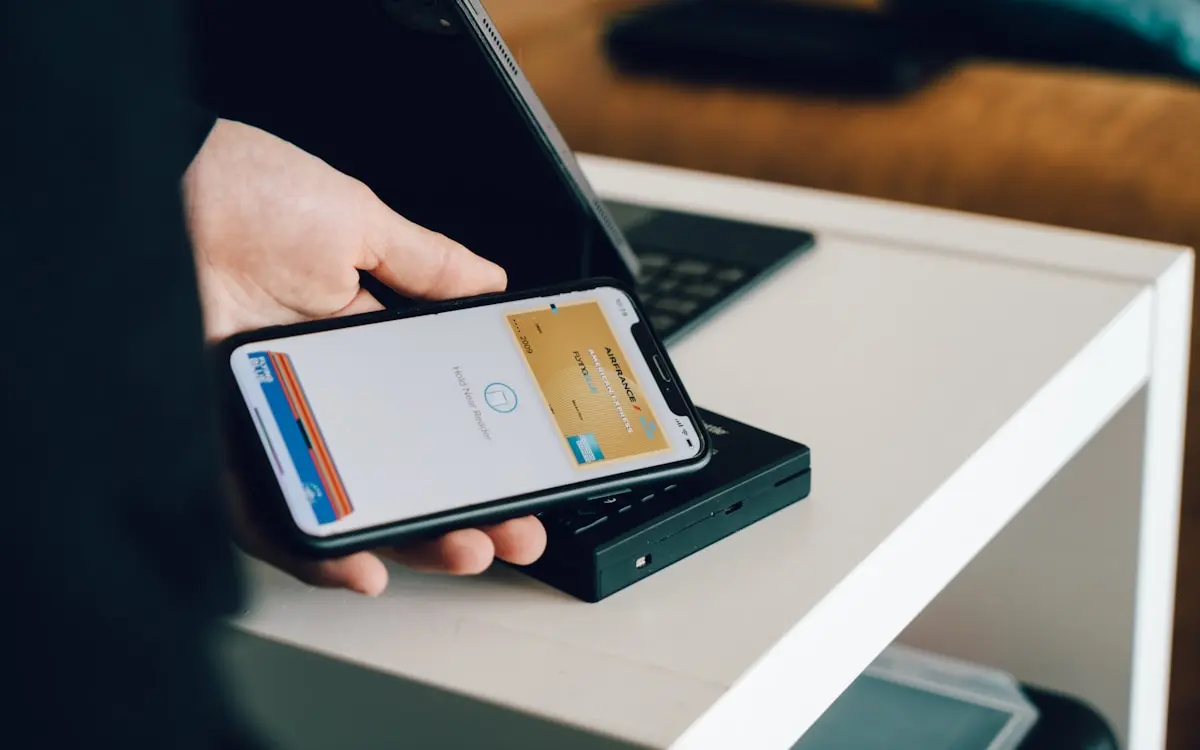
Tickets could already go into Apple Wallet and Google Wallet; now the city voucher and city card can too. And this is no static picture of your voucher: the pass is a real StoreCard (Apple) / Loyalty pass (Google) with the balance prominently on the front — and that balance moves in real time. Pay at a shop or top up, and the pass on your phone is updated instantly, including a notification with the new balance on your lock screen. Wallet stays in your pocket, phone comes out, done.
Note: the screenshots below show the Dutch interface — the flow is identical in every language.
One tap from the email or the balance page
The "Add to Apple Wallet" and "Add to Google Wallet" buttons are ready in two places:
- In the confirmation email — both for a new voucher and after a top-up, the wallet buttons sit right below your card code.
- On the public balance page — check your credit by scanning the QR on your pass or typing the card code, and the buttons appear directly below your balance. Handy for anyone who picked up a physical pass at a counter and wants a digital copy after all.
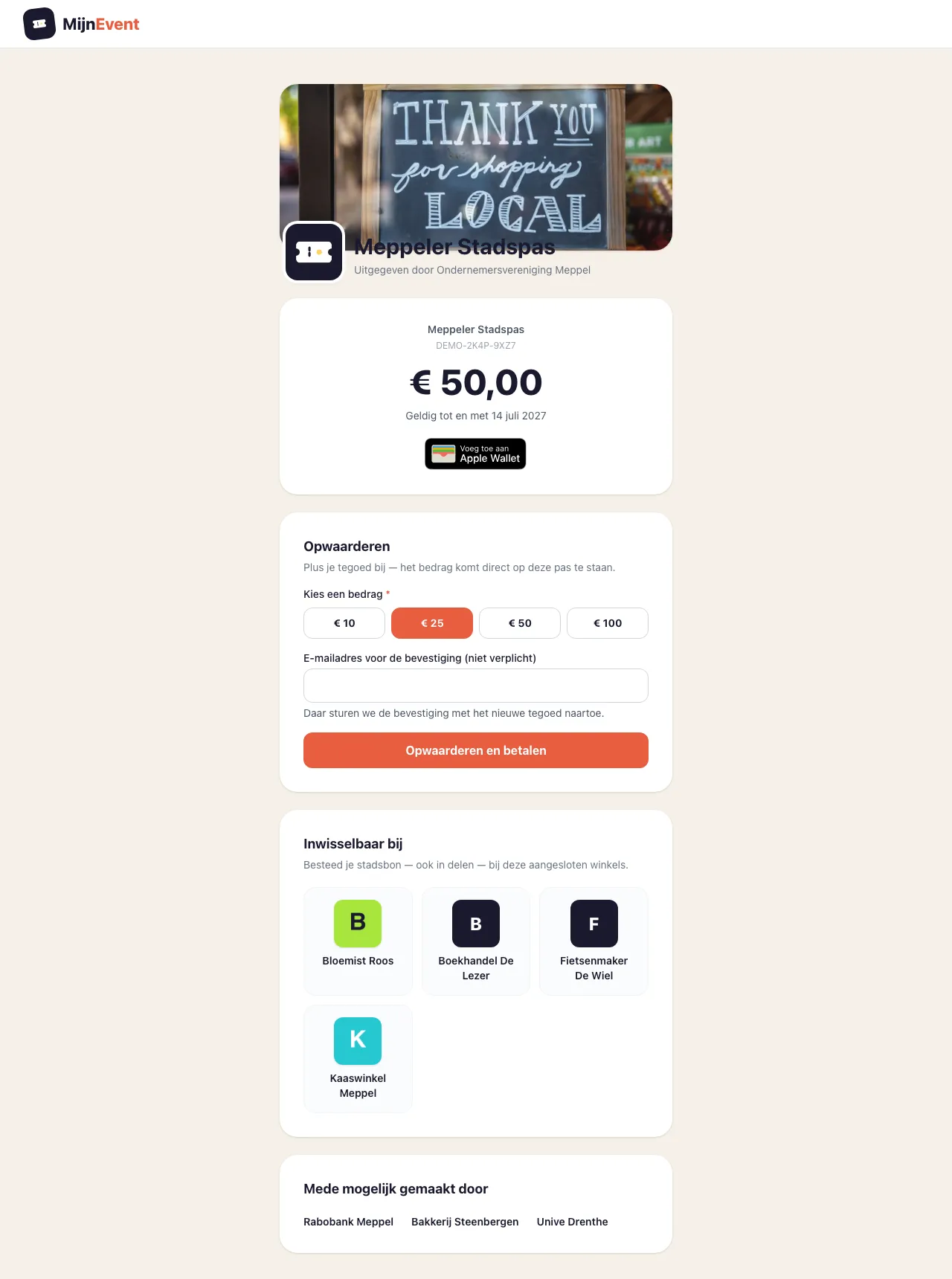 The balance page with wallet button and credit: one tap and the pass is on your phone.
The pass itself carries everything you expect from a city card: the programme name, the balance front and centre, the card code and the validity date. The detail side adds a direct link to check your balance and top up, plus the list of participating shops — always at hand, even while queueing at the till.
The balance moves in real time
This is where the wallet pass genuinely beats a saved email. Every balance change is pushed to the pass:
- Paying at a shop? The merchant scans your pass and redeems the amount — and before you have left the shop, the new balance is on the pass, with a notification on your phone.
- Topped up? The balance on the pass jumps up just as instantly.
No more guessing how much is left on your card: the answer simply sits in your wallet, next to your bank card.
 The official Apple and Google buttons — familiar territory for anyone with a boarding pass on their phone.
Empty is empty — but topping up brings the pass back to life
Once the balance hits zero, the pass is voided: it greys out in your wallet, so nobody queues at a shop with an empty card for nothing. But there is no need to delete it. Top up the card and the wallet pass comes back to life on its own: the new balance appears, the void marker disappears and the validity is extended — exactly as the card itself becomes valid again when topped up. An expired card follows the same logic: when your city voucher expires, the wallet pass expires neatly along with it.
The same mechanism protects you against loss or theft: freeze your card and the wallet pass is voided on every phone too — the balance stays put. When the issuer releases the card, the wallet pass revives just as automatically as after a top-up. And if you link the card to your email address, that address travels along on the back of the pass.
The same QR code as always
The QR code on the wallet pass is exactly the same card code that is printed on your physical pass and shown in your voucher email. The merchant scans the pass like any other city voucher — the scanner sees no difference, and the balance is and remains one balance, however you present the card. Lost the physical pass? The wallet version simply keeps working — and if you worry about whoever finds it, you can freeze the card from your email while the balance stays put.
For issuing organisations
For municipalities, BIDs and retailers' associations that issue a city voucher, this is a step up in visibility: your programme's pass now lives on residents' phones, next to their bank card — with your balance, your shops and your validity always up to date. There is nothing to configure: if you already issue a city card through the Gift cards & city cards module, the wallet buttons appear automatically in the emails and on the balance page.
The city card is not the only one that earned a spot in the wallet this week, by the way: the parking pass — license plate included — and the membership card now travel along in Apple Wallet and Google Wallet too.


