# Multi-day events: day tickets and a pass from a single event

  [Home](https://mijnevent.nl/en) / [Blog](https://mijnevent.nl/en/blog) / Multi-day events: day tickets and a pass from a single event   multi-day events multi-day pass day tickets weekend ticket 

# Multi-day events: day tickets and a pass from a single event

 Sell a festival weekend or festive week with days on your event: single day tickets for those who come one day and a pass valid on every day. Check-in counts per day, so entering twice is impossible.

 [Jasper Koers](https://mijnevent.nl/en/author/jasper-koers) · 31 August 2026 · 4 min read 

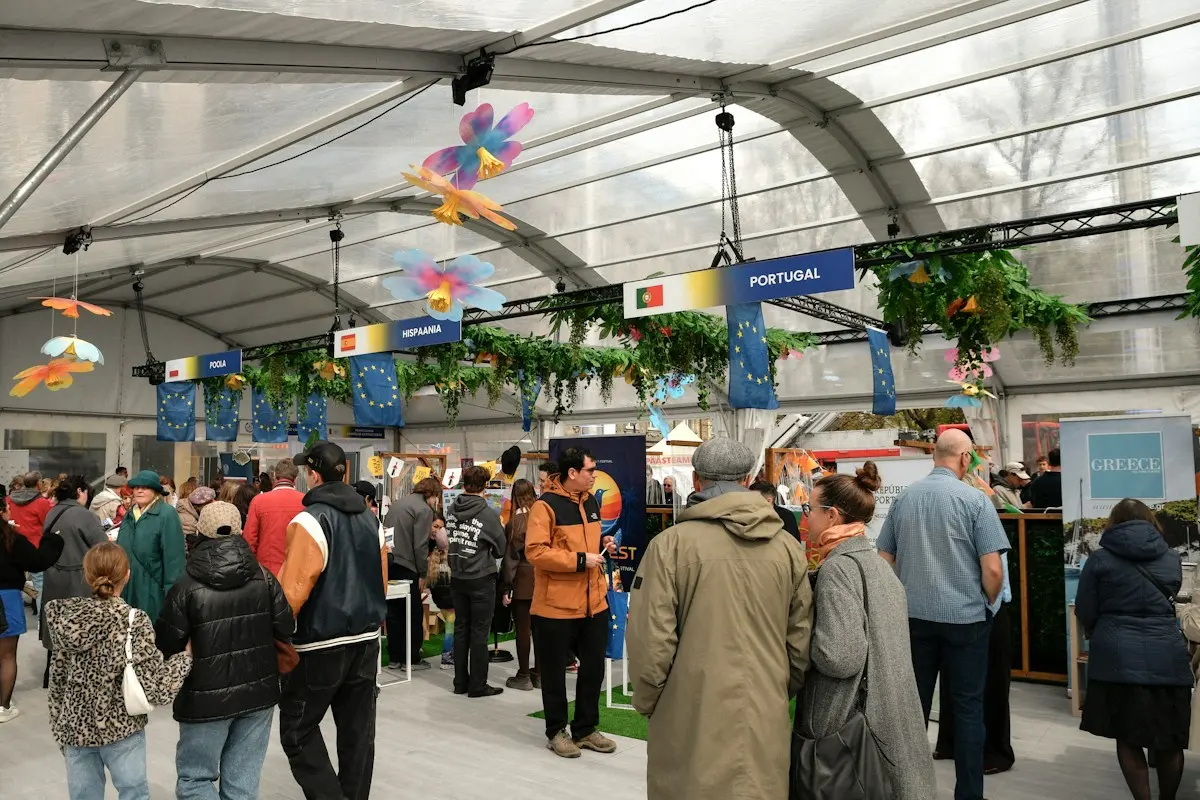
  ![](https://regify-mijnevent.s3.eu-central-1.amazonaws.com/blog/covers/meerdaagse-events-dagtickets-passe-partout.webp)  Photo: [Aranxa Esteve](https://unsplash.com/@aranxa_esteve?utm_source=MijnEvent&utm_medium=referral) / [Unsplash](https://unsplash.com/?utm_source=MijnEvent&utm_medium=referral)     In short

- Add days to your event and link each ticket type to the days it is valid on — a type without linked days is automatically valid on every day: that is your multi-day pass.
- Check-in counts per day: a pass may enter once on each event day, and a second scan on the same day is refused.
- If someone arrives on the wrong day, the scanner immediately reports which days the ticket is valid for.
- With a capacity group, day tickets and the pass can share one pool of availability, so your site never gets overbooked.

# One weekend, three kinds of visitors

Say you are organising a festival weekend on Saturday and Sunday. Part of your audience comes for one day, part wants the whole weekend. So you want to sell three tickets: a **Saturday day ticket**, a **Sunday day ticket** and a **weekend pass** valid on both days.

On many platforms that means compromising: creating two separate events (and squeezing the pass in somewhere), or one event where the scanner has no idea which ticket may enter on which day. In MijnEvent this is simply one event with **days** — and the link between ticket type and day handles the rest.

# Day ticket or pass: the difference is in the link

Every ticket type in a multi-day event follows one simple rule:

- **Linked to one or more days** → the ticket is valid on those days only. That is your day ticket (or a Friday-plus-Saturday ticket, if you tick two days).
- **Linked to no days at all** → the ticket is valid on **every** day of the event. That is your multi-day pass, weekend ticket or combi ticket.

You do not need to do anything special for a pass: just create a ticket type and leave the day list empty. Buyers see on the event page which days each ticket type covers, so there is no confusion at the till.

# How to set it up

1. **Add days.** Open your event in the management area and go to the **Days** tab. Add each event day with a date and, optionally, a custom name such as "Friday · Opening night" or "Finals day". Without a custom name the platform automatically shows the weekday and date.
2. **Link your ticket types.** Open a ticket type and tick the days it is valid on. For the pass, tick nothing — it is then valid on all days.
3. **Done.** The event page, the tickets and the scanner now know exactly what is valid where.

Adding days or changing links is possible even after sales have started. Do keep in mind that day links apply per ticket type: change them, and the new link also applies to tickets already sold.

# At the door: check-in counts per day

For a multi-day event, check-in registers per day. Concretely:

- A **pass** may enter once on each event day. Saturday's scan does not block Sunday's.
- A **second scan on the same day** is refused — even when two gates scan at the same time, or when scanning happens offline without signal and syncs later.
- If someone with a day ticket arrives on the **wrong day**, the scanner rejects the ticket and immediately reports which days it is valid for. Your steward never has to look anything up.

# Combining with capacity groups and time slots

A multi-day event really clicks together with two other features:

**Capacity groups.** Your site may hold 1,500 visitors per day, but Saturday tickets and passes both count towards Saturday. Put them in one [capacity group](/en/blog/capacity-groups-shared-capacity) and they share the same pool — however the split turns out, you never sell more than fits.

**Time slots.** Want to spread arrivals within each day? Combine days with time slots, and copy a proven day schedule to the other days of your event [in a single action](/en/blog/time-slots-copy-day-schedule-multi-day-events).

# Who is this for?

Any programme that lasts longer than a day: festival weekends and music festivals, tournaments with qualifiers and finals, festive weeks and parades with something different every night, and conferences or trade fairs where visitors come for one day but speakers and exhibitors attend all of them.

Selling a single-day event? Then nothing changes: without days your event works as it always has, and every ticket is valid for the entire event. Multi-day events are a standard part of MijnEvent — at no extra cost, you only pay [the flat fee per sold ticket](/en/pricing).

   Frequently asked questions

## Frequently asked questions

## Can one ticket be valid for multiple days?

  Yes. A ticket type that is not linked to specific days is valid on every day of your event — a multi-day or weekend pass. Link days and you are selling a day ticket.

## How often can a pass be scanned?

  Once per event day. After Saturday's scan the ticket is automatically valid again on Sunday; a second scan on the same day is refused, even when scanning offline.

## Do I need a separate event for each day?

  No. All days live in one event: one event page, one sales overview and statistics with check-ins counted per day.

## Can I change the days or links later?

  Yes, even after sales have started. Note that day links apply per ticket type, so a change also applies to tickets of that type that have already been sold.

  [    Back to blog ](https://mijnevent.nl/en/blog) 

  MijnEvent

## Read more

 [ ![](https://regify-mijnevent.s3.eu-central-1.amazonaws.com/blog/covers/dutch-privacy-fines-public-from-september.webp) legislation 

 MijnEvent · 31 August 2026 · 7 min read

## From 1 September, a Dutch GDPR fine goes online with your name on it

The Dutch data protection authority was already allowed to publish its sanctions. From 1 September 2026 it has to. For an event organisation that changes one thing above all: the bill is no longer the only consequence.

 ](https://mijnevent.nl/en/blog/dutch-privacy-fines-public-from-september) [ ![](https://regify-mijnevent.s3.eu-central-1.amazonaws.com/blog/covers/stadsbon-direct-in-je-kassa.webp) stadspas 

 Jasper Koers · 30 August 2026 · 4 min read

## City voucher straight into your till: scan the amount, done

New for shopkeepers: after redeeming a city voucher, the shop app shows a barcode carrying the amount. One scan with your own till scanner and the line is in your register — no retyping.

 ](https://mijnevent.nl/en/blog/city-voucher-straight-into-your-till) [ ![](https://regify-mijnevent.s3.eu-central-1.amazonaws.com/blog/covers/een-platform-in-plaats-van-vijf-losse-tools.webp) modules 

 Jasper Koers · 29 August 2026 · 9 min read

## One platform instead of five separate tools — and now your website too

A ticket shop here, a web shop there, the membership list in a spreadsheet and a website built by yet another agency. What that collection really costs you, and what changes once it is one system with one Mollie connection.

 ](https://mijnevent.nl/en/blog/one-platform-instead-of-five-separate-tools) 

   MijnEvent

## Ready to get started?

Create a free account and sell your first tickets today.

 [Start free](https://mijnevent.nl/registreer) [Pricing](https://mijnevent.nl/en/pricing)