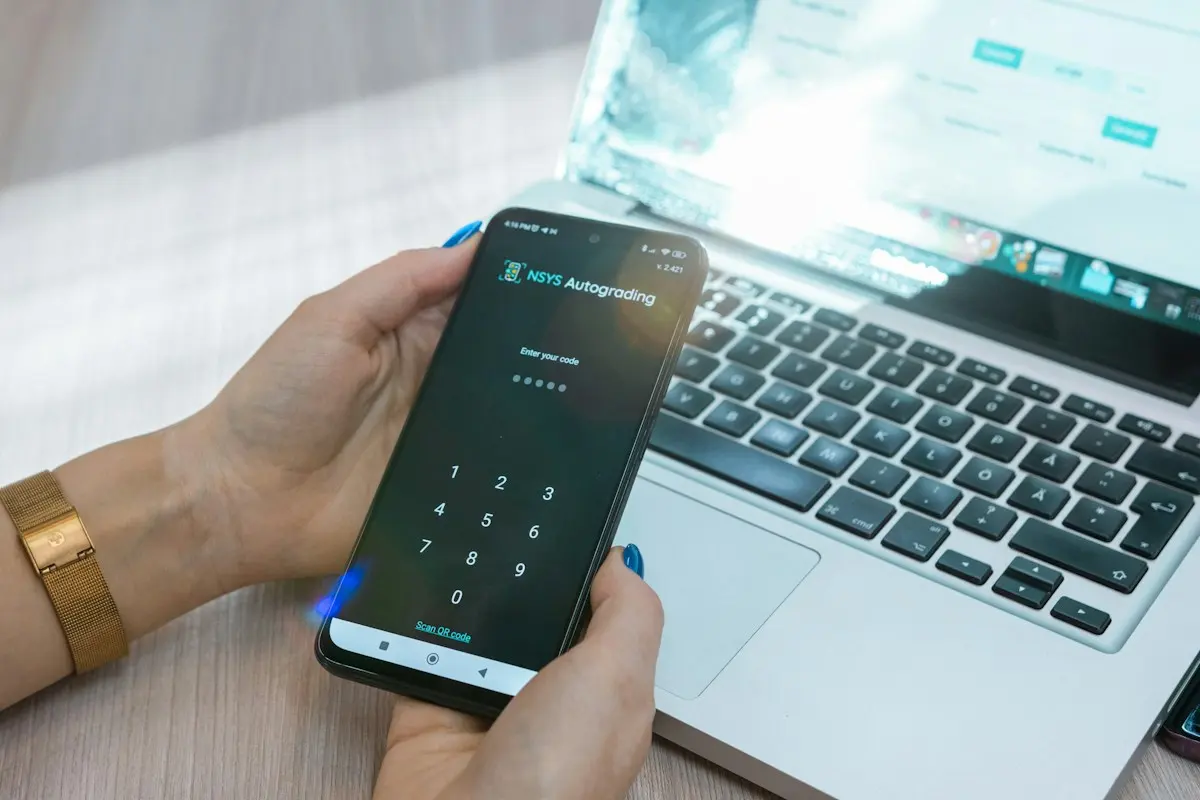
Is your shop joining your town's city voucher or gift card? Then you are ten short steps away from your first card sale. The same ten steps are in your invitation email, in the short tour you see the first time you log in, and on the step plan the organisation can send you.
The ten steps
- You join. The organisation invites your shop, or you sign up your shop through the sign-up link and the organisation approves it.
- Set your PIN. You receive an email with the terms and a button. Use it to choose a PIN of 4 to 6 digits. The link is valid for 14 days.
- Log in. On your phone or computer, go to the shop page address from the email and log in with your email address and PIN.
- Keep it at hand. Add that page as an icon to your phone's home screen, or as a bookmark on your computer (Ctrl + D, or ⌘ + D on a Mac).
- Your details and your till. Tap the round button at the top right with your logo or your shop's first letter. Enter your payout details and choose how you record the sale in your till.
- Back to scanning. "Back to scanning" takes you to the scan screen.
- Redeem a card. Scan the card with your phone camera or your computer's webcam, or type the code. You see the balance straight away and deduct the amount. Whatever is left stays on the card.
- In your till. Record the sale in your own till, the way you chose in step 5.
- Colleagues. Staff log in on their own phone with the same email address and PIN, and add the icon to their home screen too.
- Done. You are ready for the next customer.
On your phone or on your computer
The shop page works on both. At the counter a phone is easiest, because you scan the card with the camera. Behind a computer you use the webcam or type the card's code. So a computer without a webcam can join in too.
More per topic
Questions about your payout, the terms or a forgotten PIN go to the organisation that issues the voucher or card. Their contact details are in your invitation email.